 Ghost
GhostPhotos and clips
Order them scene by scene, trim the start, set the duration and speed.
 GhostPegby Ghost Creator Pro
Combine photos and clips, trim them, change the speed, add text, music and your own voice, and download it ready for TikTok, Reels, Shorts or YouTube. Nothing to install and no card.
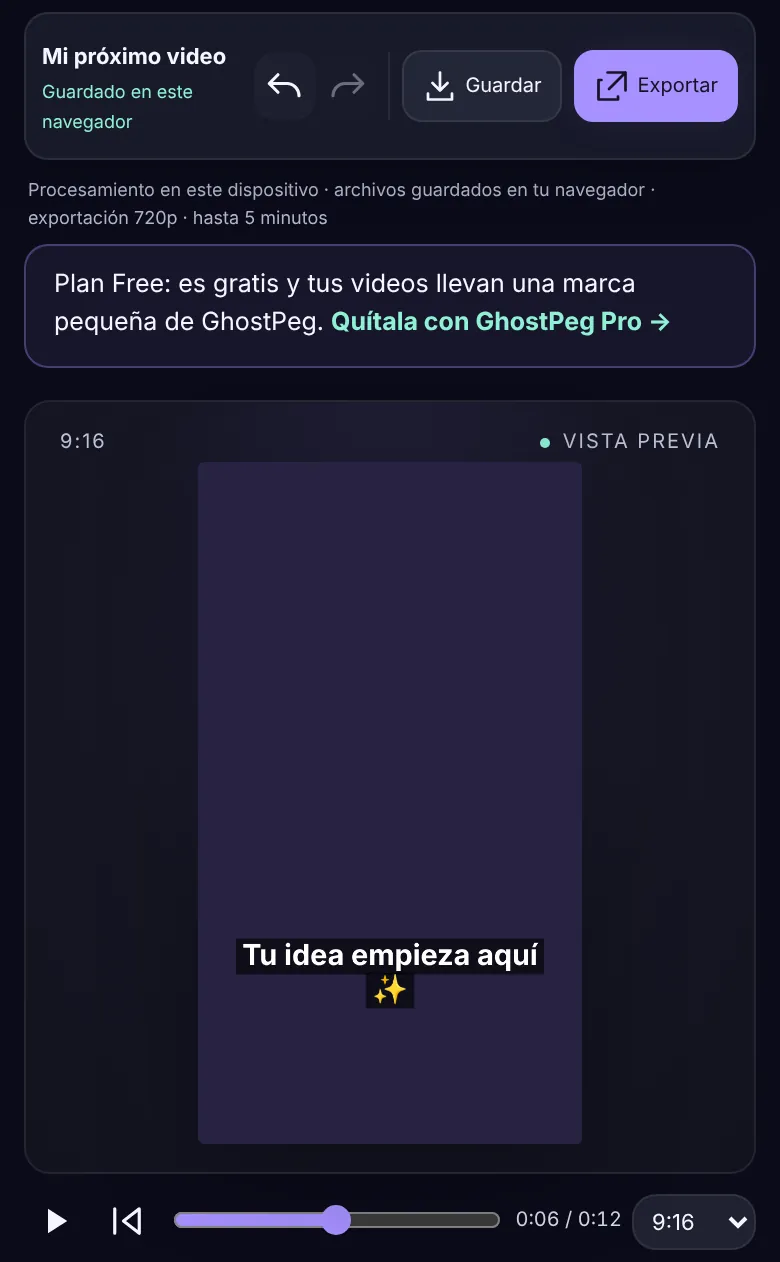
Order them scene by scene, trim the start, set the duration and speed.
Write your message, choose size and color and place it with a tap on the preview.
Add music or audio and record your voice with the microphone, without leaving the editor.
Vertical 9:16 for TikTok, Reels and Shorts; square 1:1; horizontal 16:9 for YouTube.
Start with ready-made scenes (motivation, mini tutorial, Halloween) and make them yours.
The video is built on your device: your photos and clips are not uploaded to any server.
The full editor with your free account. Your videos carry a small GhostPeg mark in one corner.
Create my free accountGhostPeg for Windows turns your script into a narrated video with voice, images and subtitles, and also into 2D and 3D animated series. Pro and Pro Plus remove the mark and open the full AI.
Meet GhostPeg See the plansYes. You create your free account with your email and a password, no card. On the Free plan your videos carry a small GhostPeg mark; with GhostPeg Pro or Pro Plus they come out without it.
No. It works in the browser on your phone or computer (recent Chrome, Edge, Safari or Firefox).
No. The video is built and exported on your own device, and the project is saved in your browser. «Save» downloads a copy of the project so you can continue another day.
Up to 5 minutes per video, in 720p. Depending on the browser, the file comes out as MP4 or WebM.
That is GhostPeg for Windows: paste the script and it builds the video with voice, images and subtitles, plus 2D and 3D animated series. Full AI is part of Pro and Pro Plus; Free includes a small AI to try.
Free, no card, on your phone or computer.
Share a discovery, template or tutorial. Give others a reason to discover your channel.