 Ghost
GhostNarration and voices
A narrator and voices for your characters. Every line is recorded separately and can be redone, or given another voice or emotion, without redoing the rest.
 GhostPegby Ghost Creator Pro
Write an idea or paste your script. GhostPeg prepares the scenes, gives them a voice, uses your images or generates them, adds subtitles and music, and exports the video. It also makes animated 2D and 3D series with your own characters, episode after episode. Everything happens on your Windows computer; AI generation depends on the models you install and on your graphics card.
Created by Ghost Creator Pro. A desktop app for Windows.
Interactive simulation. The video is a real GhostPeg production; the controls show how you work in the app.
Create your characters once and use them all season. GhostPeg writes, animates, voices and exports each episode on your Windows PC.
Choose 3D, or 2D with cut-outs or classic cartoon. Each series keeps its own style.
Create people, animals, creatures and monsters from a photo or from words, and they come back the same in every episode.
Write an idea and the AI builds the story, or paste your script and it is made as written: dialogue, narrator, directions, signs and music.
A voice for each character, with emotion on every line, plus subtitles and backgrounds drawn by the app or painted by AI.
A short for social media or a full episode. A simple editor to start and a PRO mode with a timeline.
Nothing is produced blind: at each step you see the result and fix it before moving on.
It snowed so hard that night that the lamp in the alley seemed to flicker on and off by itself. Iván stoked the fire and I set my cup on the table. “If the power goes out, at least we have wood for the whole night.”
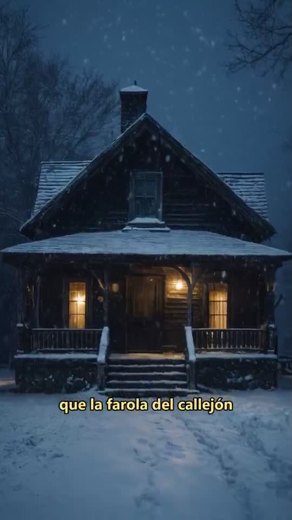
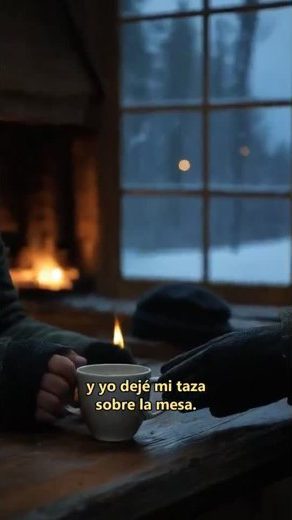
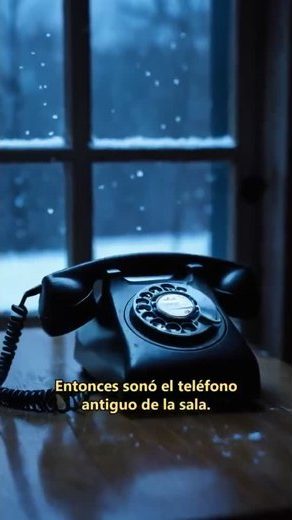
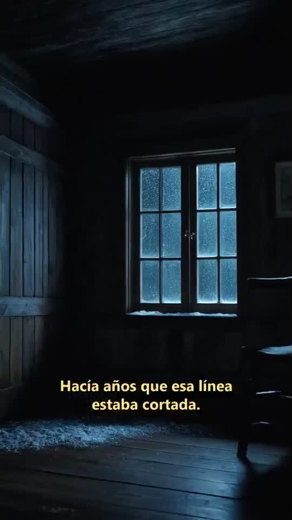
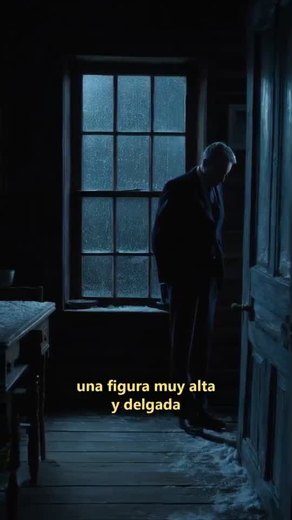
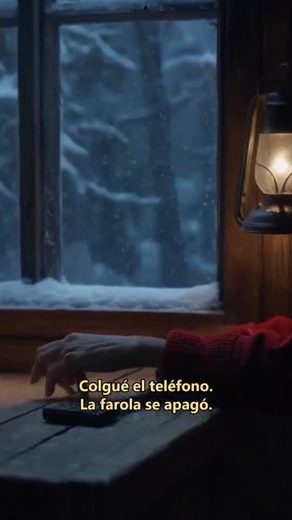
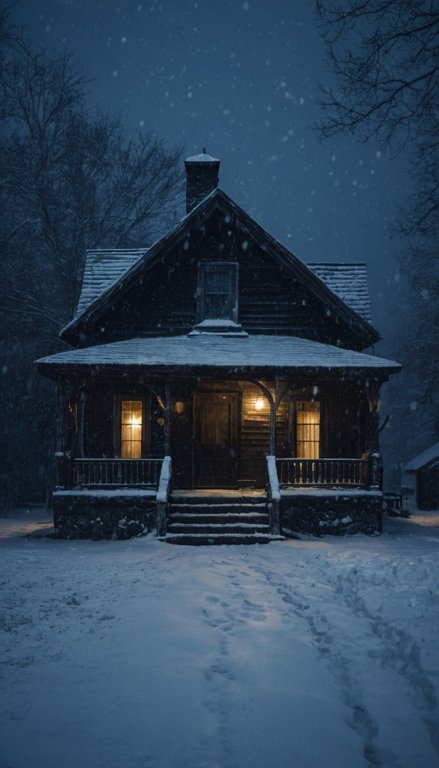 It snowed so hard that night
Use each tool on its own or as part of a full production.
A narrator and voices for your characters. Every line is recorded separately and can be redone, or given another voice or emotion, without redoing the rest.
Use your own images or generate illustrations with AI models installed on your computer. If you do not like one, ask for another version of that scene.
Import your material, arrange the edit and work with your project’s resources, without generating anything with AI if you prefer.
Turn them on or off and review them scene by scene in the viewer before exporting.
Prepare the video for where you will publish it: portrait for Shorts, Reels and TikTok, or landscape for YouTube.
Explore templates, adapt their effects and learn from tutorials shared by other creators.
Explore templates →GhostPeg installs on Windows and works with your own hardware. It is not an online editor and does not charge per video you produce.
Voices, images and editing are produced on your computer. Speed depends on your processor, memory and graphics card.
Editing with your own photos, videos and audio needs no AI generation. To generate images and voices on your computer an NVIDIA card is recommended; models are installed separately.
See requirements →Projects and videos are saved in your folders. If Pro access ends you can still open them; Free keeps its own export limits.
About Free →Free includes export limits and a watermark. Pro access and temporary Ghost Token redemptions keep their terms and duration. Your projects remain when access ends.
Ghost Creator Pro brings together the app, updates, templates and tutorials. Use your existing account to take part: there is no separate account or separate tokens for GhostPeg.
Visit the communityYes. Choose 3D or 2D (cut-outs or classic cartoon) and create your characters from a photo or from words: people, animals, creatures or monsters. Each episode, from 30 seconds to 10 minutes, is built from your idea or your script, with voices, subtitles, backgrounds and music, and the characters stay the same across the whole series.
No. GhostPeg is an app you install on 64-bit Windows 10 or 11 and it works on your own computer. Your projects and videos are saved in your folders.
Not for editing with your own photos, videos and audio. To generate images and voices with AI on your computer, an NVIDIA card with enough memory is recommended; each model has its own requirements and is installed separately.
The app is available in Spanish and English, and you can produce narrated videos in both languages.
MP4 videos in portrait (9:16) for Shorts, Reels and TikTok, in landscape (16:9) and in square (1:1).
Free needs no card or subscription. Its exports carry a watermark and have duration and resolution limits. Details are on the Free page.
No. Your files and projects stay on your PC and you can keep opening them. Pro features are enabled while your access is valid.

Download GhostPeg for Windows and start with the free plan, no card needed.
Share a discovery, template or tutorial. Give others a reason to discover your channel.