Paper cutout
Flat figures with thin lines and big heads, like an illustrated story.
 GhostPegby Ghost Creator Pro
2D animation · GhostPeg for Windows
GhostPeg is a 2D video maker for your PC: paste your script, pick the style and the app draws and animates the episode, with your characters’ voices, subtitles, background and music. Characters come back the same in every episode.
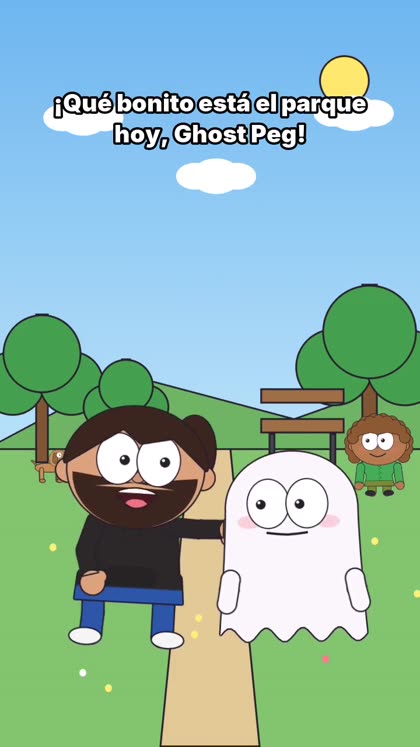
You pick the style when you create the series and it stays in every episode.
Flat figures with thin lines and big heads, like an illustrated story.
The TV kind: bold lines and flat shading.
Flat vector, with adult proportions and no thick outline.
Ink, hatching and cream paper, like a sketchbook.
Head and sticks: simple and expressive, for jokes, ads, stories or reflections.
The same script can also come out in 3D, with a camera that changes shots. 3D video maker
“The little forest ghost” came from this script (in Spanish). The app picked the forest and the background animals from what the story says.
Narrador: En un bosque muy tranquilo vivía un fantasmita llamado Ghost Peg.
Ghost Peg: ¡Hola, árboles! ¿Quieren jugar conmigo?
Narrador: Pero los árboles solo movían sus hojas con el viento.
Dani: Ghost Peg, los árboles no juegan... ¡pero yo sí!
Ghost Peg: ¡Entonces juguemos a las escondidas!
Narrador: Y desde ese día, el bosque nunca volvió a estar en silencio.
For any story you want to tell with characters.
Like drawing? In the Workshop you create your own drawings, 2D illustrations and elements for your videos, and there are free 2D templates to start with. Open the Workshop · See templates
Yes. GhostPeg Free for Windows needs no card or subscription: each animated episode is up to 15 seconds long and has a watermark. Pro (up to 3 minutes) and Pro Plus (no limit) are coming soon.
No. You describe the characters or start from a photo, and GhostPeg draws and animates them following your script. If you like drawing, you can also create your own elements in the Workshop.
Paper cutout, classic cartoon (the TV kind), modern (flat vector), hand-drawn ink and stick figures. Each series keeps its style, and you can have several series.
Yes, with a narrator and your characters, like the story “The little forest ghost” on this page. Kids mode, with clean language, will be part of Pro Plus (coming soon).
2D animation is part of the Windows app. On your phone you can later edit the video with the free web editor: trim it, add text or music and download it for TikTok.
With AI, on your PC: GhostPeg for Windows · getting started with the web editor
GhostPeg Free for Windows: no card and no subscription. And if you only want to edit your clips, the web editor is free too.
Free in your browser or on your Windows PC.
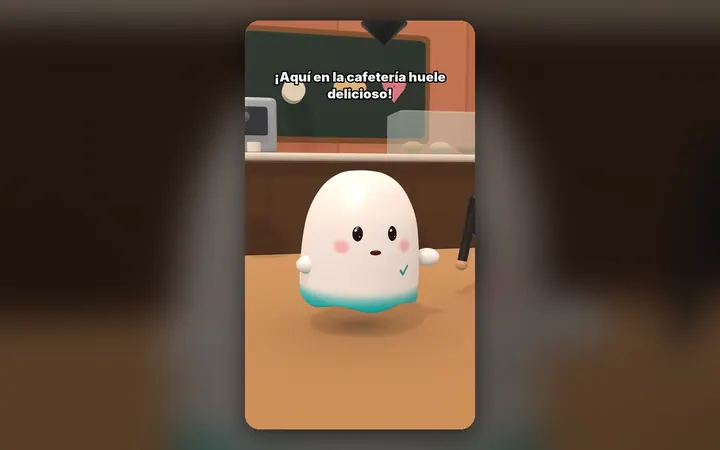
Your characters talk with their own voice and move around their world, on your PC.
See the 3D maker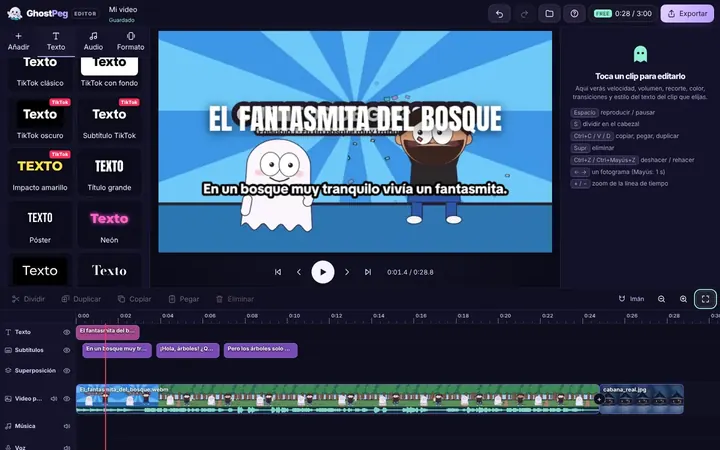
Free on your phone, tablet or computer, with nothing to install.
See the free editor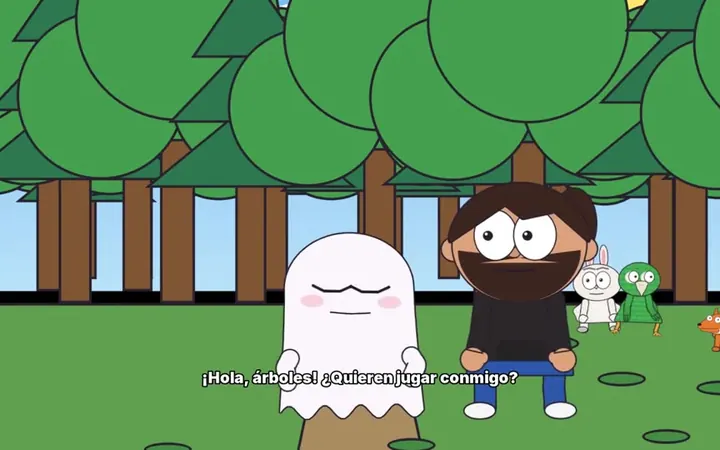
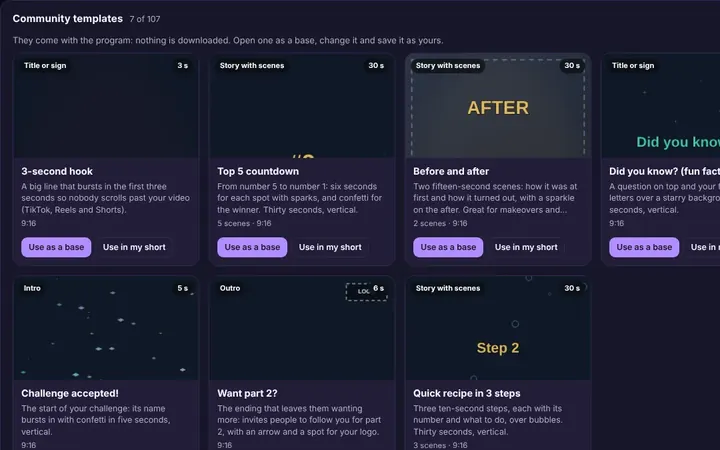
Tutorials and templates from other creators to use as a starting point.
Browse templates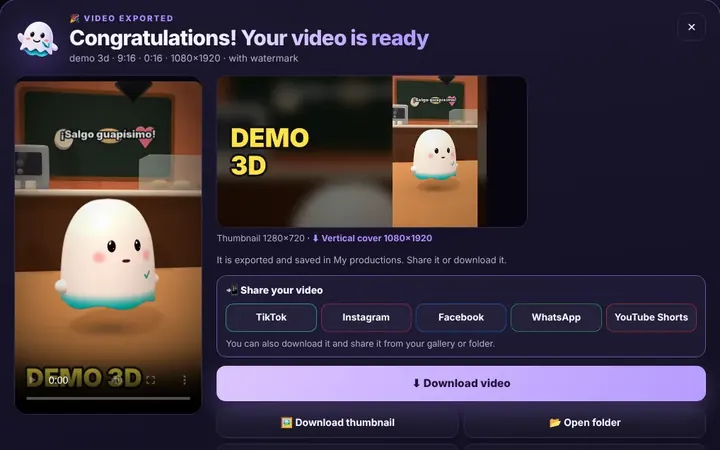
TikTok, WhatsApp, Instagram or Facebook from the same box, or download it.
Download free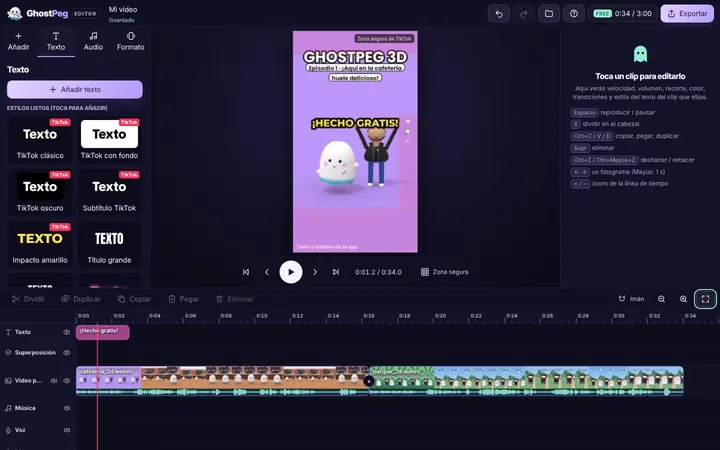
Ready for TikTok, Reels and Shorts, with your own channel in the community.
Visit the community