Ready-made looks
TikTok classic, Yellow impact, Big title, Neon and more.
 GhostPegby Ghost Creator Pro
Subtitles · text · SRT
Type your lines or import an .srt, choose the look and download the video with the text in 1080p.

TikTok classic, Yellow impact, Big title, Neon and more.
Fade, pop, slide up or typewriter.
Import them or export them for YouTube.
Besides subtitles, add big titles, labels or phrases that come in and out whenever you want, anywhere on the screen.
The web editor does not transcribe your voice: you type or import the subtitles.
No: in the web editor you type each line or import an .srt file. GhostPeg for Windows does add animated subtitles to the videos it makes.
A text file with each subtitle and the time it appears and disappears. The editor imports it and also exports it, for example to upload to YouTube.
Yes: pick a look (TikTok classic, Yellow impact, Big title, Neon, Classic subtitle…) and change the font, color, outline, shadow or box. The subtitle look applies to every line with one tap.
Yes: when you export they are drawn into the video, ready for TikTok, Reels or WhatsApp. If you also want viewers to turn them on and off on YouTube, export the .srt.
Yes: in “TikTok video” or “Reels / Shorts” the editor marks the safe zone so the app buttons do not cover your text.
With AI, on your PC: GhostPeg for Windows · getting started with the web editor

Free, no subscriptions and no credit card. On your phone, tablet or computer.
Free in your browser or on your Windows PC.
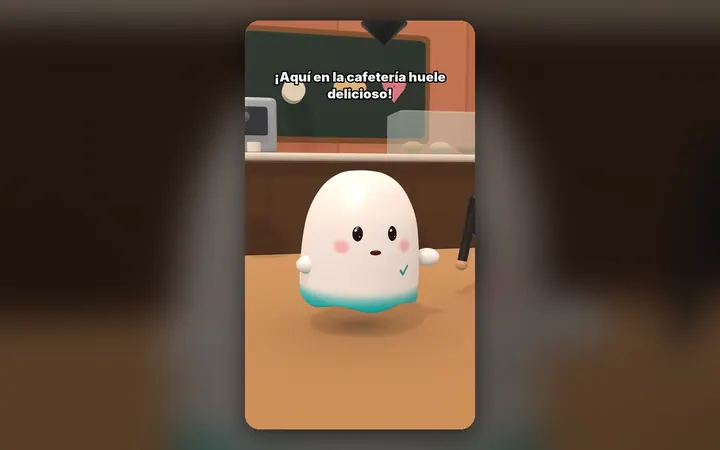
Your characters talk with their own voice and move around their world, on your PC.
See the 3D maker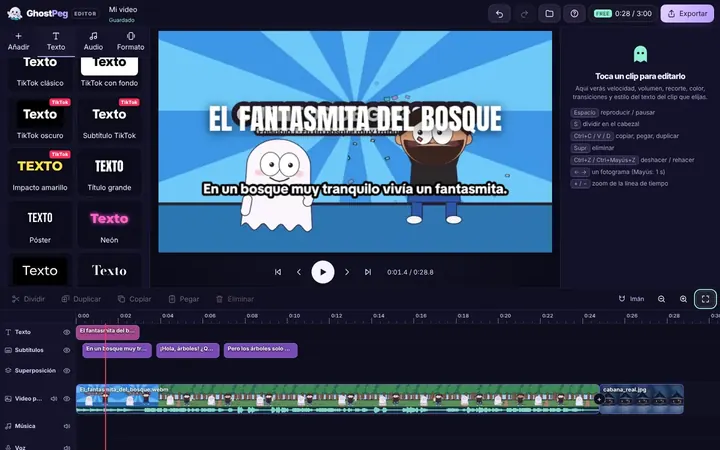
Free on your phone, tablet or computer, with nothing to install.
See the free editor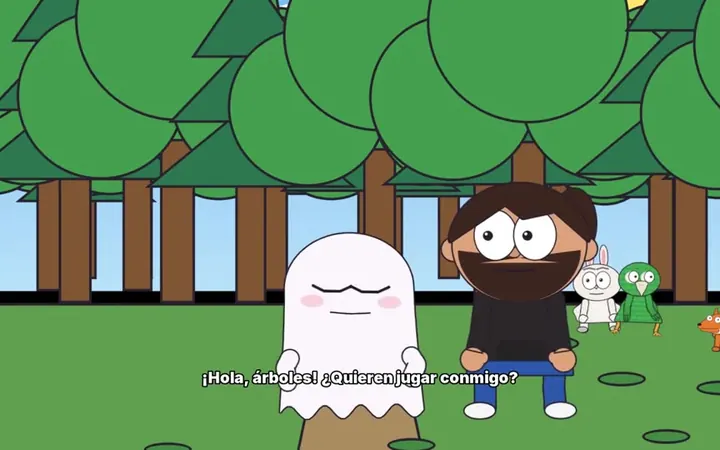
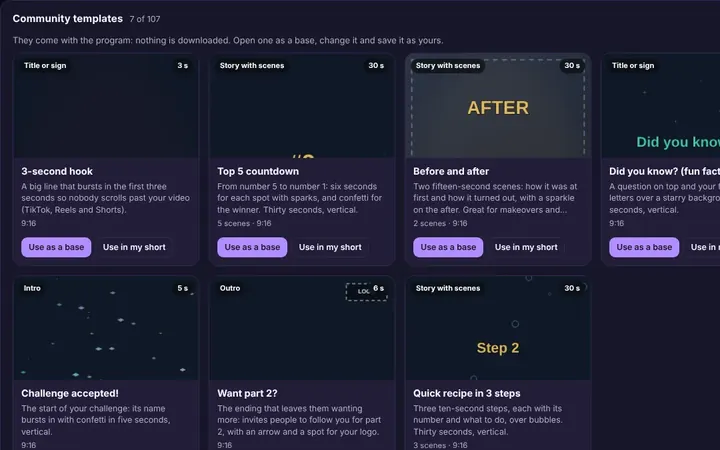
Tutorials and templates from other creators to use as a starting point.
Browse templates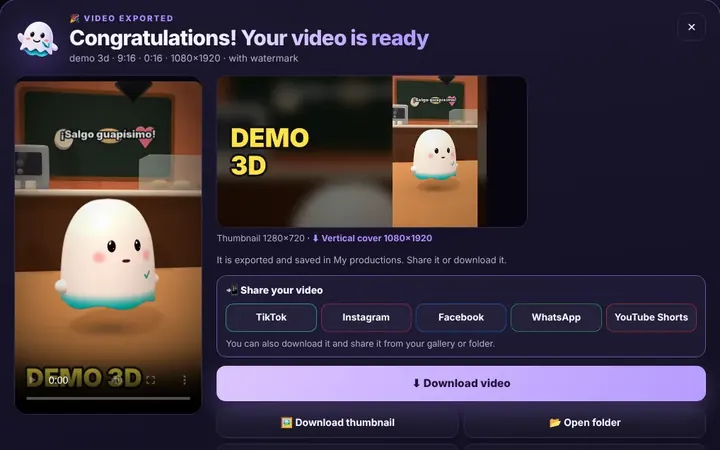
TikTok, WhatsApp, Instagram or Facebook from the same box, or download it.
Download free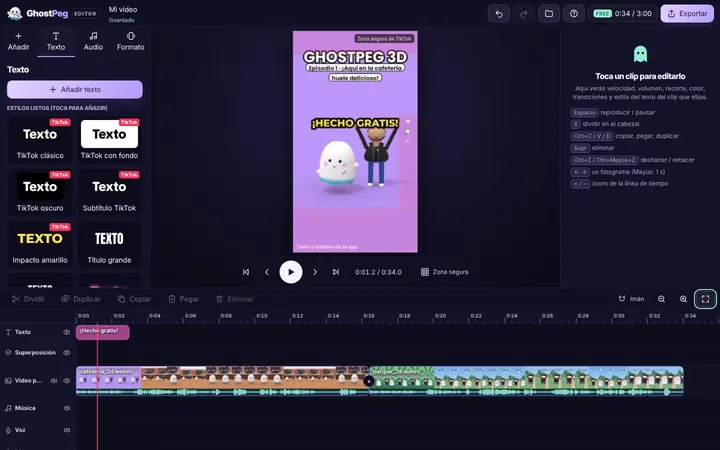
Ready for TikTok, Reels and Shorts, with your own channel in the community.
Visit the community