They really talk
Each character with its own voice and emotion on each line; the mouth moves with what it says.
 GhostPegby Ghost Creator Pro
3D video maker · GhostPeg for Windows
Paste your script and get a 3D video: each character speaks with its own voice and emotion, moves around its world and the camera changes shots by itself. On your Windows PC, free up to 15 seconds per episode.

This is the script that was written (in Spanish). GhostPeg added the voices, the café, the movements, the music and the subtitles:
Ghost Peg: ¡Aquí en la cafetería huele delicioso!
Dani: Dos chocolates calientes, por favor.
Ghost Peg: Espera... yo no puedo beber. ¡Soy un fantasma!
Dani: Entonces te tomo una foto con la taza.
Ghost Peg: ¡Salgo guapísimo!
Because it says “café”, the scene happens at the café. That is how it works with the app’s 66 worlds: park, beach, doctor’s office, workshop, concert and many more, by day and by night.
You write the story. The app decides gestures, looks and shots, and you change whatever you want.
Each character with its own voice and emotion on each line; the mouth moves with what it says.
A wide shot to start, a medium shot of whoever speaks, over the shoulder, close-ups at strong moments and tracking when someone walks.
They walk, look at whoever talks to them, hug, fly or float as the script asks.
A front-facing photo gives the character’s skin tone, hair, beard, glasses and clothing colors.
3D toy (round and shiny), 3D stylized (film look, dramatic light) and 3D clay (fingerprints and stop-motion steps).
Characters are created once and come back the same in every episode, with their clothes, voice and personality.
No. You paste your script and GhostPeg animates the characters: who speaks, who they look at, their gestures and emotions, and the camera shots. If you do not like something, change that part and only that is redone.
Yes. From a front-facing photo, GhostPeg picks up the skin tone, hair, beard, glasses and clothing colors. You can also describe it in words or use one from the gallery.
On GhostPeg Free each animated episode is up to 15 seconds long and has a watermark. Pro (up to 3 minutes per video) and Pro Plus (no limit) are coming soon as 30-day passes with one payment.
A PC with 64-bit Windows 10 or 11; the 3D is drawn on your own computer. To generate AI voices and images an NVIDIA card with enough memory helps; check the requirements before installing.
The 3D maker is part of the Windows app; GhostPeg for Apple-chip Macs is coming soon. On a phone you can later edit the video you made, with the free web editor.
With AI, on your PC: GhostPeg for Windows · getting started with the web editor

GhostPeg Free for Windows: no card and no subscription. And if you only want to edit your clips, the web editor is free too.
Free in your browser or on your Windows PC.
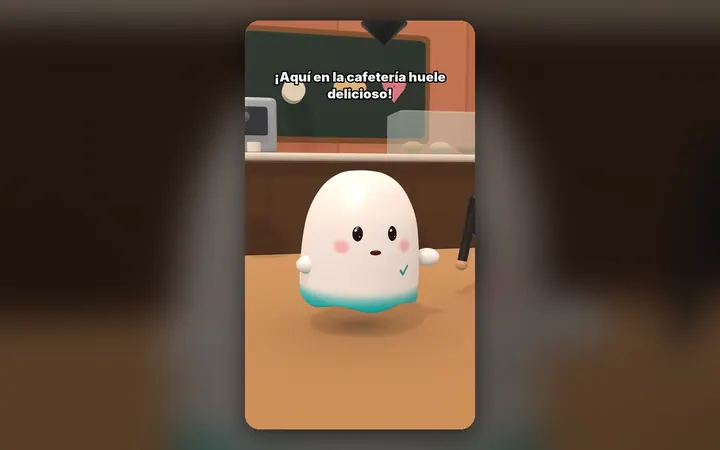
Your characters talk with their own voice and move around their world, on your PC.
See the 3D maker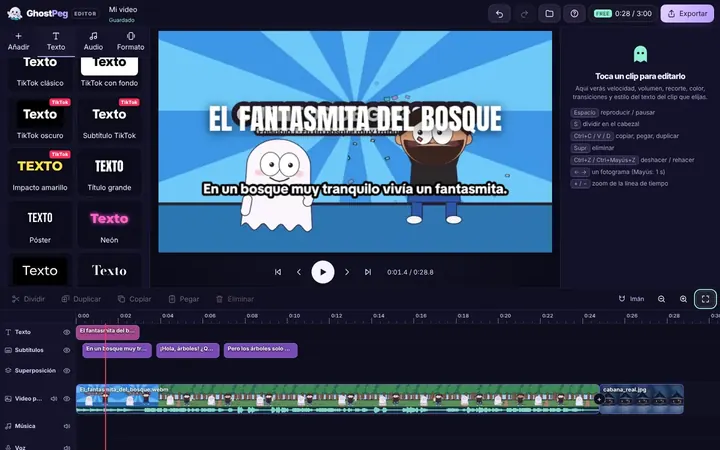
Free on your phone, tablet or computer, with nothing to install.
See the free editor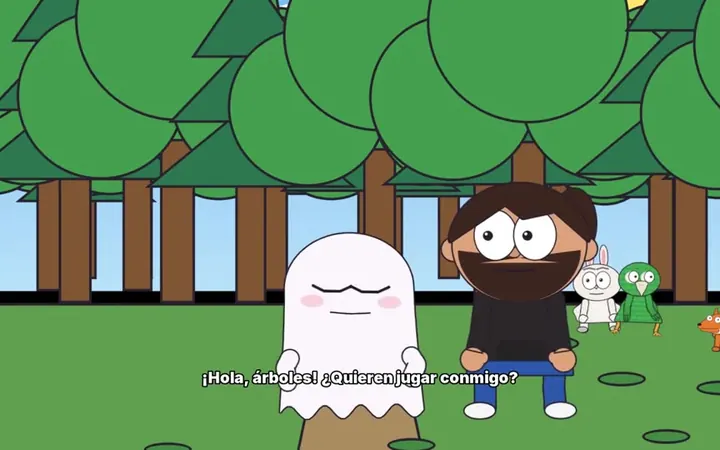
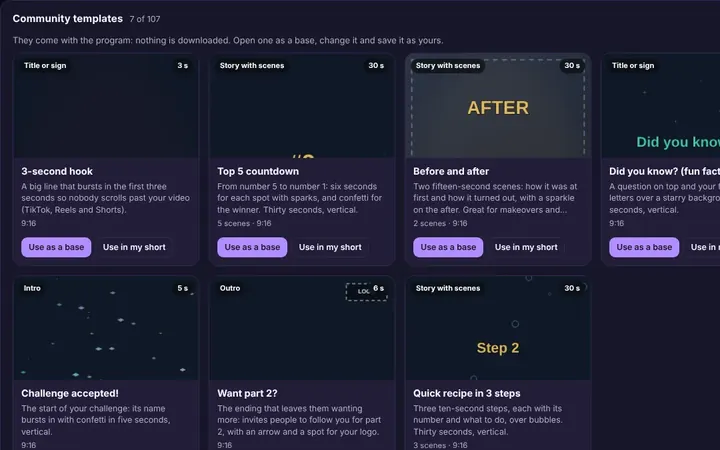
Tutorials and templates from other creators to use as a starting point.
Browse templates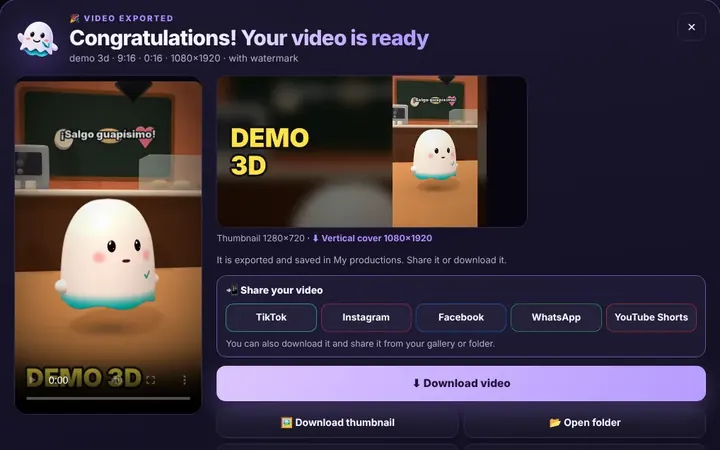
TikTok, WhatsApp, Instagram or Facebook from the same box, or download it.
Download free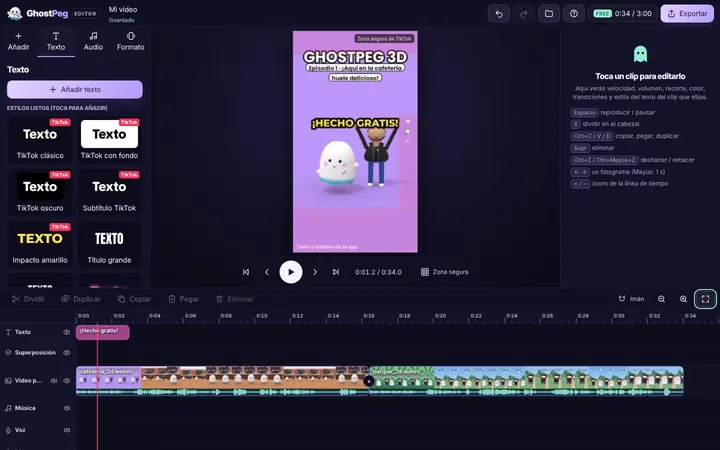
Ready for TikTok, Reels and Shorts, with your own channel in the community.
Visit the community