Online editor (free)
- On any device with a browser: phone, tablet, PC or Mac
- You edit: clips, text, subtitles, voice and music
- Up to 3 minutes per video, 1080p, small mark
 GhostPegby Ghost Creator Pro
Online video editor · free
Open the page, sign in with your free account and edit. There is no software to download: the video is built on your own device, with your browser’s acceleration, without uploading your files to any server to edit them, and you download it in 1080p.

Use the latest version of your browser: the editor uses your device’s video acceleration when the browser has it.
| Browser | Where | File you download | Good to know |
|---|---|---|---|
| Chrome | Windows, Mac, Android | MP4 (H.264 + AAC) | The most tested. Drag your files into the window to import them. |
| Edge | Windows, Mac | MP4 (H.264 + AAC) | Same as Chrome. |
| Safari | Mac, iPhone, iPad | MP4 | On iPhone and iPad, save the video with “Share” → “Save video”. |
| Firefox | Windows, Mac | WebM | Edits and exports; if you need MP4, export from Chrome, Edge or Safari. |
Some online editors upload your clips to their servers to process them. GhostPeg’s does not: the page brings the tools and your browser does the work on your device.
Whether a file opens also depends on your browser (for example, iPhone HEIC photos open in Safari).
The same ones you will see in the editor’s right panel.
| Keys | What it does |
|---|---|
| Space · K | Play or pause |
| S | Split at the playhead |
| Delete · ⌫ | Delete the clip |
| Ctrl/⌘ + Z | Undo |
| Ctrl/⌘ + Shift + Z · Ctrl + Y | Redo |
| Ctrl/⌘ + C · V · D | Copy, paste, duplicate |
| Ctrl/⌘ + E | Export |
| ← → | One frame (with Shift: 1 second) |
| Home · End | To the start or the end |
| + · − | Zoom the timeline in or out |
No. You open the editor in your browser, sign in with your free account and edit. There is no installer or extension.
You need the internet to open the editor and sign in. Editing and exporting happen on your device, so your clips do not travel over the network.
In the browser you use, automatically, while you edit. If you clear the browser data they are deleted too: that is why “Save copy (.gcweb)” exists, which downloads the project with all its files.
It depends on what your browser can create. Up-to-date Chrome, Edge and Safari create MP4 (H.264); Firefox creates WebM. If you need MP4, export from Chrome, Edge or Safari.
Yes: on the PC click “Save copy (.gcweb)”, move the file to your phone and open it from Projects. It opens with all its clips, text and music.
With AI, on your PC: GhostPeg for Windows · getting started with the web editor

Free, no subscriptions and no credit card. On your phone, tablet or computer.
Free in your browser or on your Windows PC.
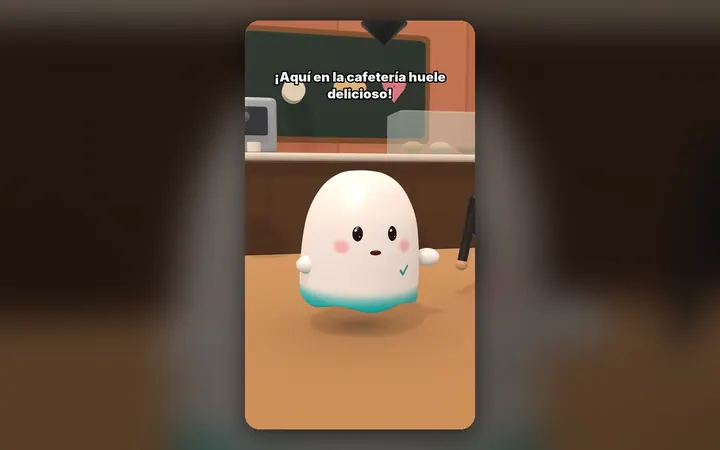
Your characters talk with their own voice and move around their world, on your PC.
See the 3D maker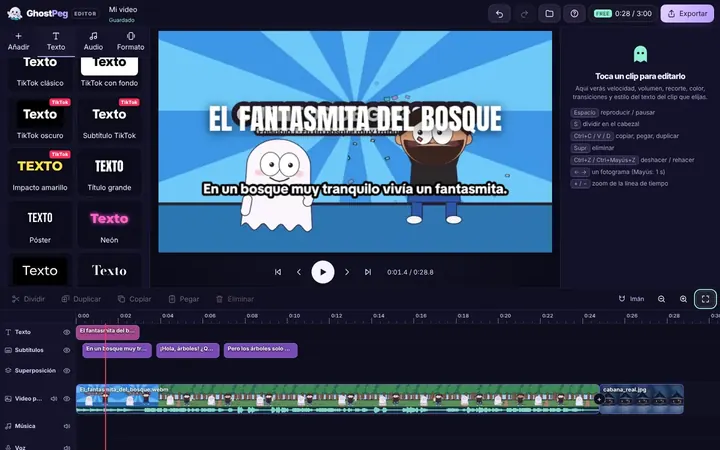
Free on your phone, tablet or computer, with nothing to install.
See the free editor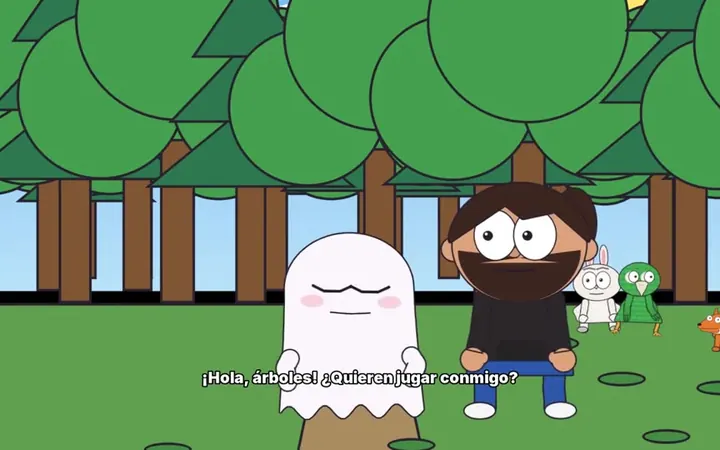
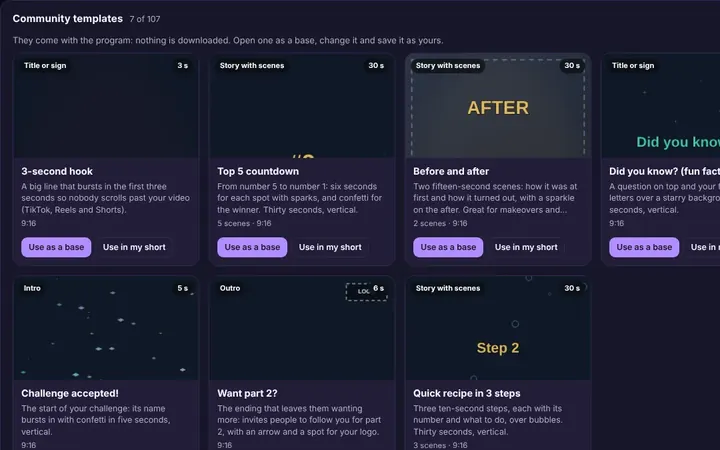
Tutorials and templates from other creators to use as a starting point.
Browse templates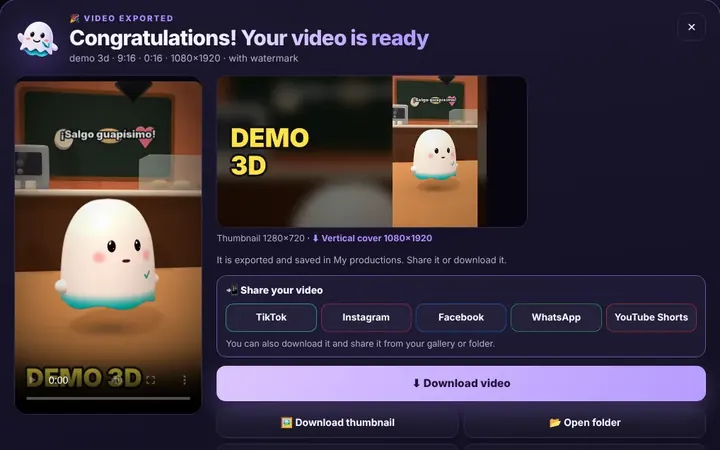
TikTok, WhatsApp, Instagram or Facebook from the same box, or download it.
Download free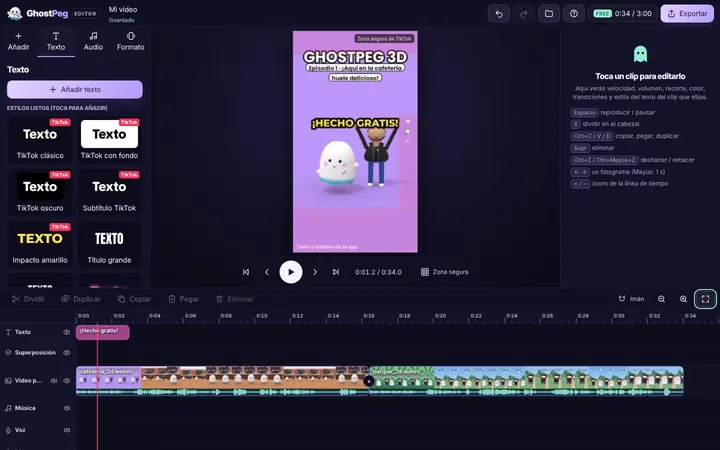
Ready for TikTok, Reels and Shorts, with your own channel in the community.
Visit the community