Split anywhere
Place the red line, press “Split” (S) and delete the extra piece.
 GhostPegby Ghost Creator Pro
Cut · join · speed up
Remove what you do not need, join several clips and change the speed. Download in 1080p, nothing to install.

Place the red line, press “Split” (S) and delete the extra piece.
They line up one after another; drag them to reorder.
From 0.25× to 4×: slow motion or a quick recap.
Raise or lower each clip’s volume, mute its original sound and give it a soft fade in and out. On top, your voice or a GhostPeg music track.
To edit, your videos are not uploaded: everything is processed on your device.
Put the red line (the playhead) where the unwanted part starts and press “Split” (or the S key); do the same where it ends, tap that piece and press “Delete”. Everything after it closes the gap.
Yes. Each clip adapts to the format you picked (vertical, landscape or square): it fills the screen or shows in full over a blurred background.
Your original files are never changed. When you export, the new video is built in 1080p or 720p; in Chrome, Edge and Safari it comes out as MP4.
Not to edit them: the video is built on your device. Only if you choose “Continue on another device” does the project go through your account, and it is deleted once opened or after 48 hours.
Up to 3 minutes per video on the free plan, with a small GhostPeg mark. With GhostPeg Pro (coming soon), longer and without the mark.
With AI, on your PC: GhostPeg for Windows · getting started with the web editor

Free, no subscriptions and no credit card. On your phone, tablet or computer.
Free in your browser or on your Windows PC.
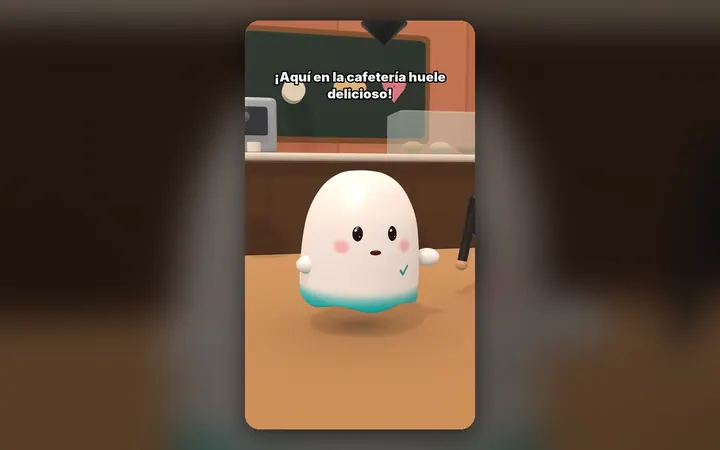
Your characters talk with their own voice and move around their world, on your PC.
See the 3D maker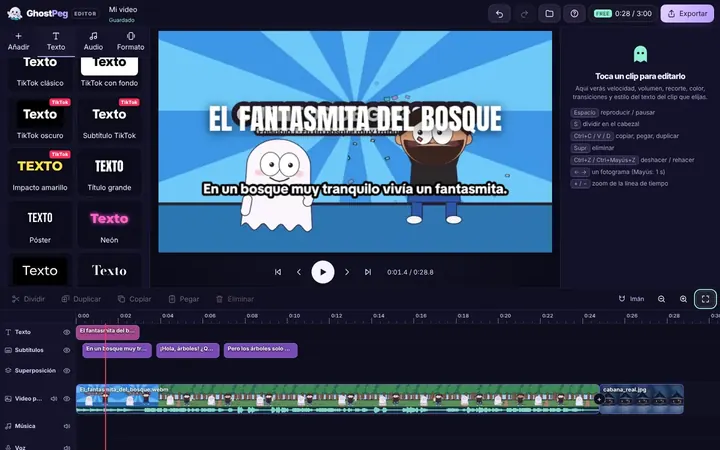
Free on your phone, tablet or computer, with nothing to install.
See the free editor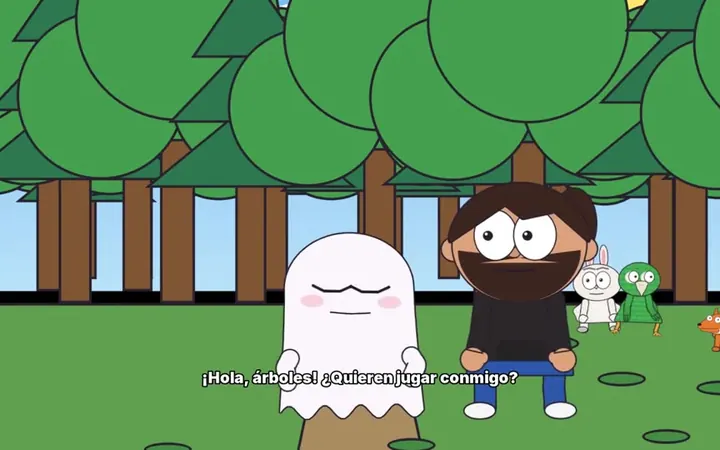
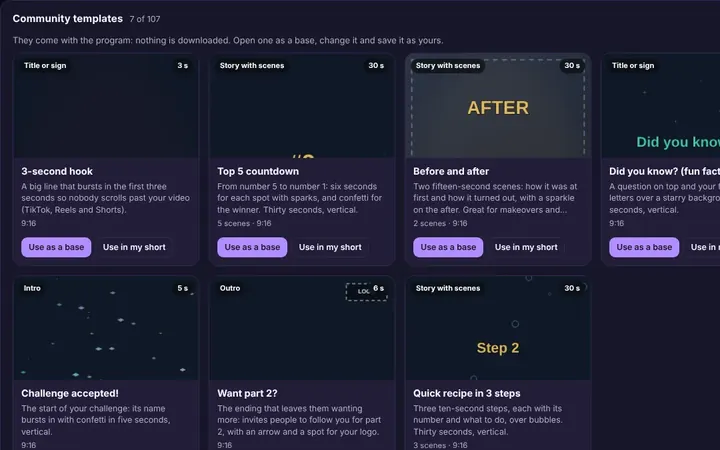
Tutorials and templates from other creators to use as a starting point.
Browse templates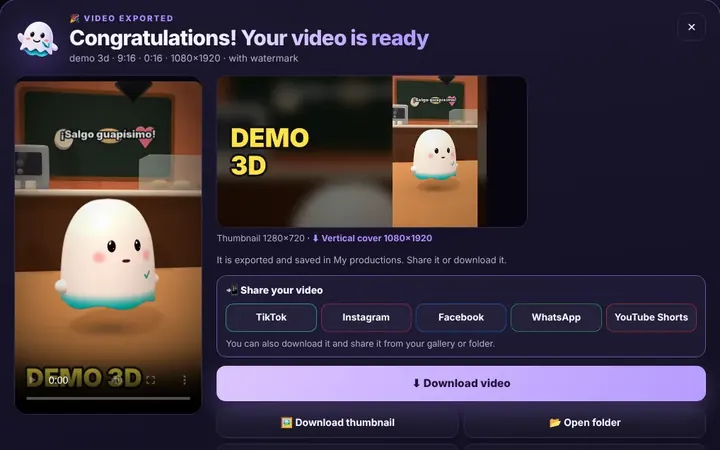
TikTok, WhatsApp, Instagram or Facebook from the same box, or download it.
Download free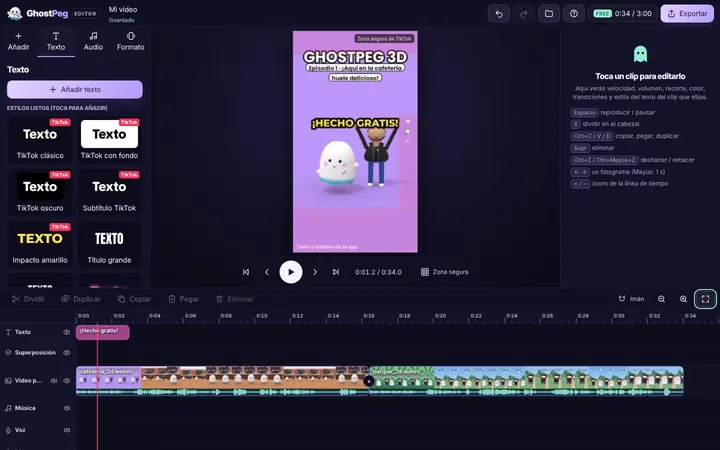
Ready for TikTok, Reels and Shorts, with your own channel in the community.
Visit the community