The exact size
1080×1920 at 30 frames per second. If your clips are landscape, they fit with a blurred background, a color or an image of yours.
 GhostPegby Ghost Creator Pro
Free TikTok editor
Choose “TikTok video” and the editor is ready: vertical 9:16 at 1080×1920 and 30 fps, guides for the area the app buttons cover and TikTok-style text. Do it on your phone or computer and download the video ready to upload.
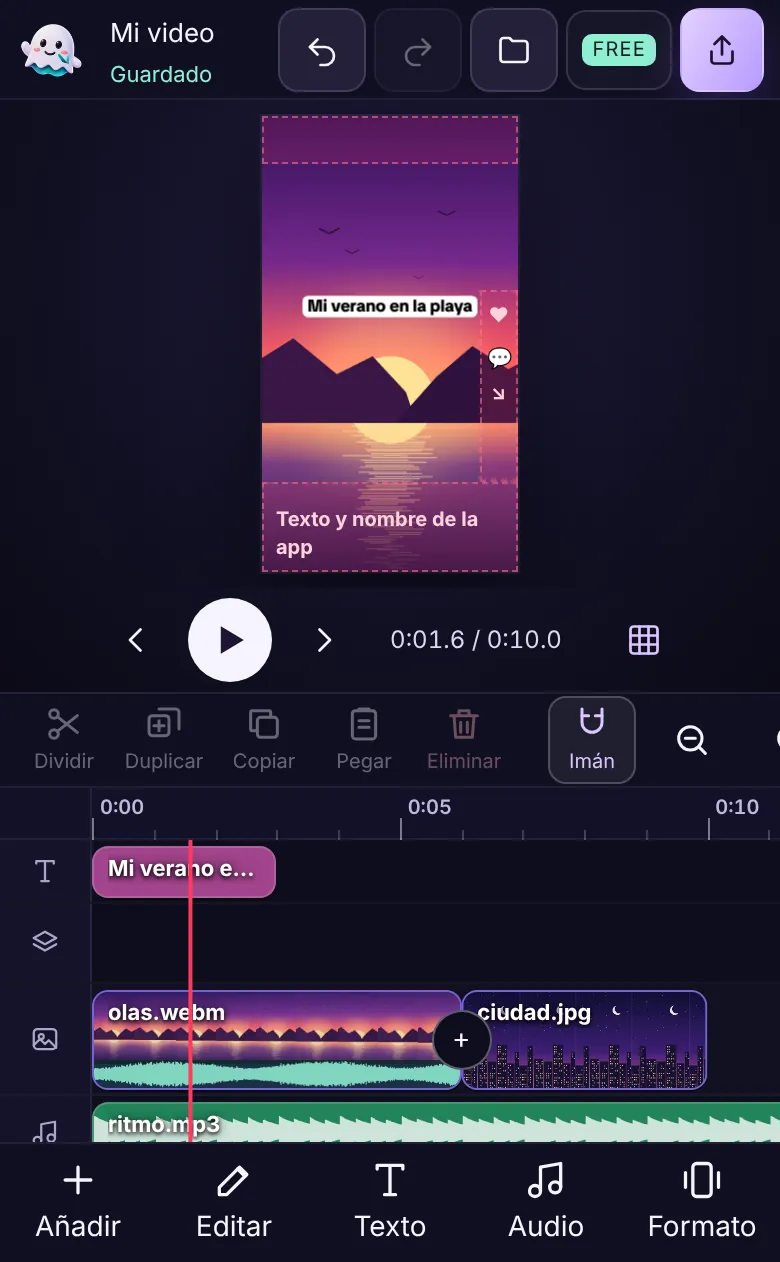
It is the first option when you open the editor. You can change format later without losing your work.
1080×1920 at 30 frames per second. If your clips are landscape, they fit with a blurred background, a color or an image of yours.
Dotted lines at the top (≈10%), bottom (≈20%) and right (≈15%): that is where the buttons, your name and the caption go. Your text stays where it can be seen.
“TikTok classic”, “TikTok background”, “TikTok dark”, “TikTok caption” and “Yellow impact”, with the open TikTok Sans font and entrance animations.
Record with the 3-2-1 countdown, pick the front or back camera, and music ducks by itself while you speak.
Cut at the playhead, change speed from 0.25× to 4× without chipmunk voices and join clips with wipe, slide or zoom.
Download in 1080p (or 720p if your phone is slow), with the project name in the file and a thumbnail if you want one.
It works the same in the phone browser and on the computer.

Each one with the editor tool that makes it easy.
Two clips joined with “Wipe”. Works with rooms, hairdos, food or drawings.
Record each step and speed it up to 2× or 3×; ingredients with the “Label” style.
Record your voice over the clip: music ducks by itself when you talk.
A photo with gentle motion (zoom in) and the fact in “Yellow impact”.
Your 3-2-1 camera and captions with “TikTok caption” applied to every line.
Short clips with “Crossfade” and the “Warm” filter so everything matches.
Product photos with “Pan”, the price in “Label” and a “pop” sound.
Your camera on the overlay track, on top of the video you comment on (if you have permission to use it).
Want AI to make the video for you? GhostPeg for Windows turns your script into a vertical video with voices, images, subtitles and music, or into an animated 2D or 3D episode. See the 3D video maker
Vertical 9:16. The editor uses 1080×1920 pixels at 30 frames per second when you choose “TikTok video”, which is what TikTok shows full screen.
It is the part of the video not covered by the app buttons, name and caption. The editor marks it with dotted lines (top, bottom and right) so your text does not end up hidden. The guides are not exported.
Up to 3 minutes per video, in 1080p and with a small GhostPeg mark in one corner. With GhostPeg Pro (coming soon) you will make them longer and without the mark.
No. You download the video (on iPhone: “Share” → “Save video”; on Android it lands in Downloads) and upload it from the TikTok app, where you choose the cover, caption and hashtags.
The editor includes 15 sounds and music tracks made by GhostPeg, free for your videos, and you can import your own music if you have the rights. Songs from TikTok’s catalog are added in the app when you post.
TikTok is a trademark of its owner. GhostPeg is not affiliated with or sponsored by TikTok.
With AI, on your PC: GhostPeg for Windows · getting started with the web editor
Free, no subscriptions and no credit card. On your phone, tablet or computer.
Free in your browser or on your Windows PC.
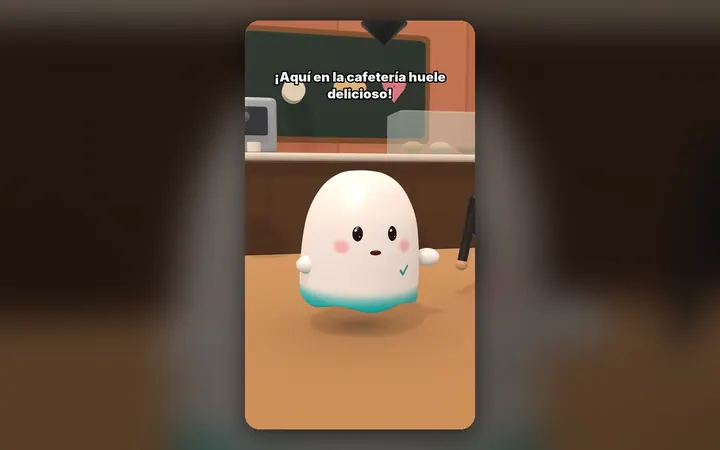
Your characters talk with their own voice and move around their world, on your PC.
See the 3D maker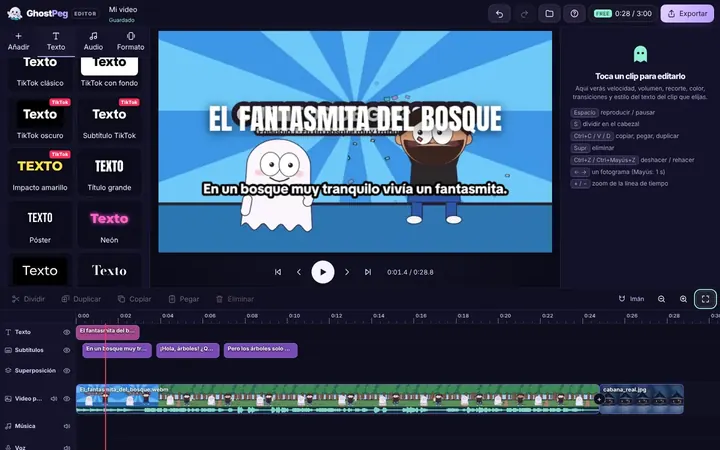
Free on your phone, tablet or computer, with nothing to install.
See the free editor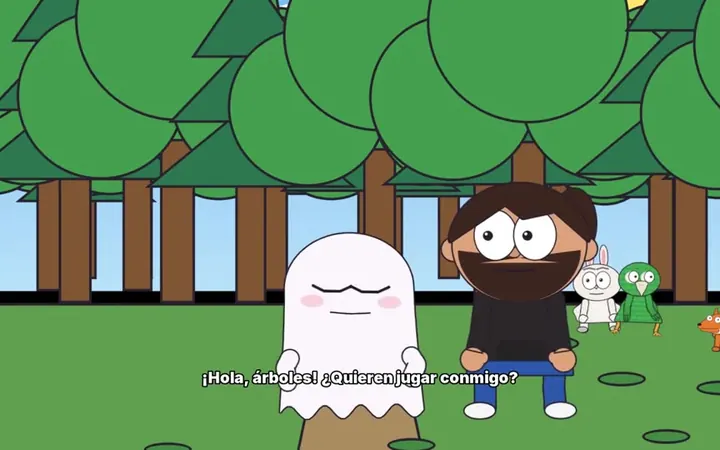
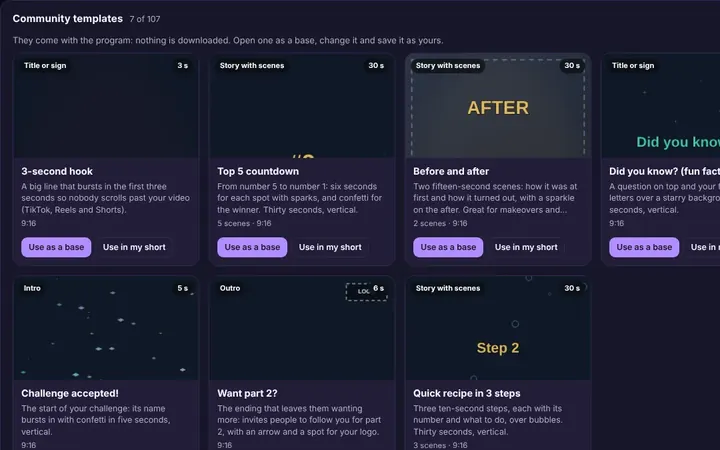
Tutorials and templates from other creators to use as a starting point.
Browse templates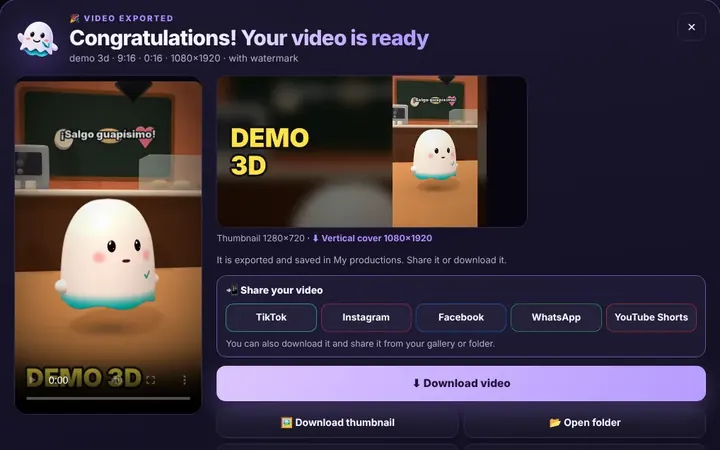
TikTok, WhatsApp, Instagram or Facebook from the same box, or download it.
Download free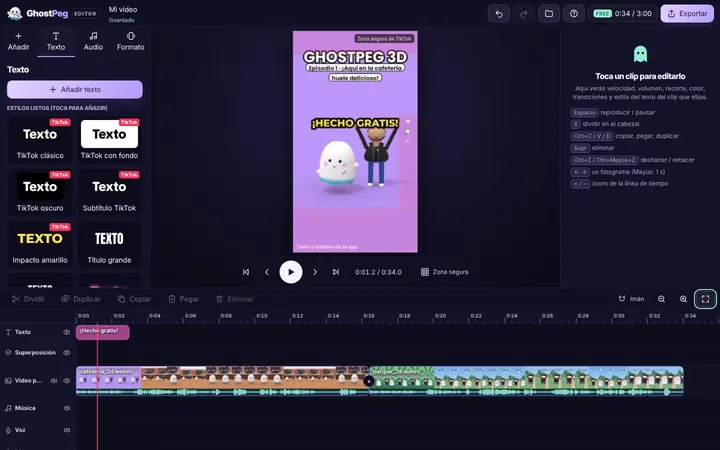
Ready for TikTok, Reels and Shorts, with your own channel in the community.
Visit the community