Motion on every photo
Slow zoom in, zoom out or pan, photo by photo.
 GhostPegby Ghost Creator Pro
Photos + music = video
Pick your photos, give them motion, add the music and download the video in 1080p. Nothing to install.

Slow zoom in, zoom out or pan, photo by photo.
Crossfade, fade to black, slide, zoom or wipe.
5 built-in tracks or your own; it ducks when you speak.
A memory with music, a trip recap or your products in a video for your socials: the same tools, free up to 3 minutes per video with a small GhostPeg mark.
To edit, your photos are not uploaded: the video is built on your device.
As many as you like, as long as the video lasts up to 3 minutes on the free plan. Each photo starts at 4 seconds and you make it longer or shorter by dragging its edge on the timeline.
The editor includes 5 GhostPeg music tracks (urban, pop, lo-fi, happy and suspense) and sound effects, free to use in your videos. If you add your own music (MP3, M4A, WAV, OGG), use music you have permission to publish.
Yes: titles, phrases and subtitles with looks like “TikTok classic”, “Big title” or “Neon”, and an entrance animation (fade, pop, slide up or typewriter).
Yes, on iPhone, Android and iPad in the browser, no app to download. And you can start on your phone and finish on your PC: “My projects” → “Continue on another device”.
On the free plan, a small GhostPeg mark in one corner. GhostPeg Pro (coming soon) removes the mark and allows longer videos.
With AI, on your PC: GhostPeg for Windows · getting started with the web editor

Free, no subscriptions and no credit card. On your phone, tablet or computer.
Free in your browser or on your Windows PC.
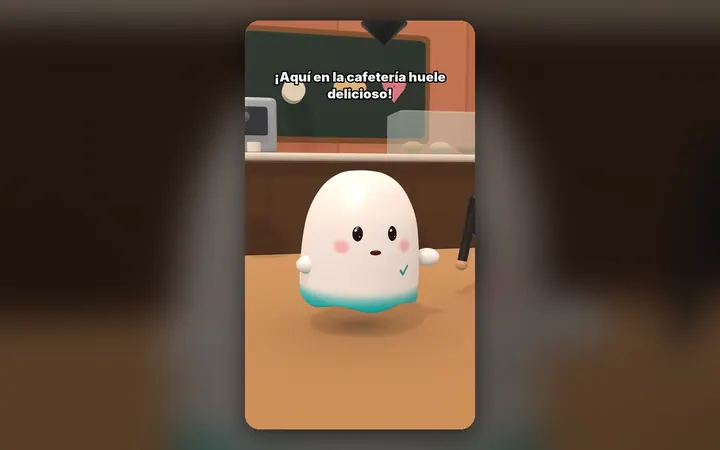
Your characters talk with their own voice and move around their world, on your PC.
See the 3D maker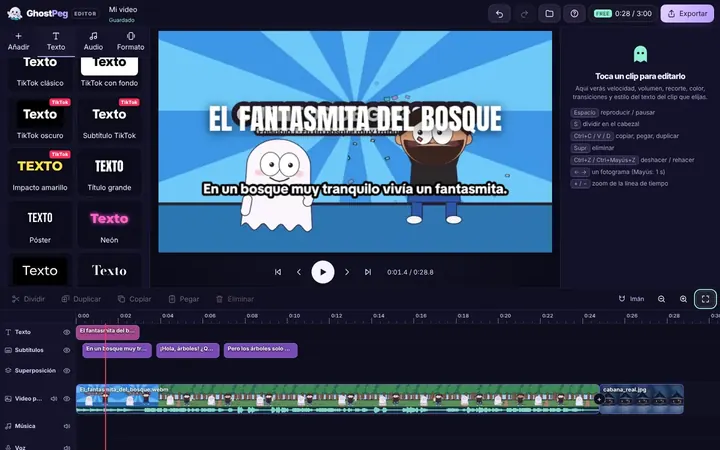
Free on your phone, tablet or computer, with nothing to install.
See the free editor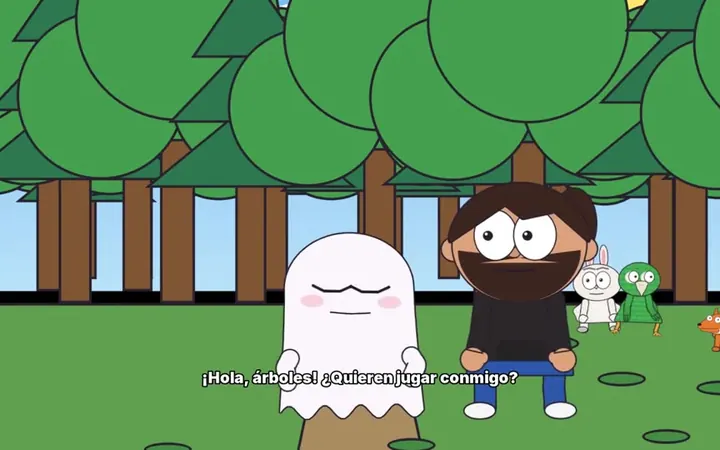
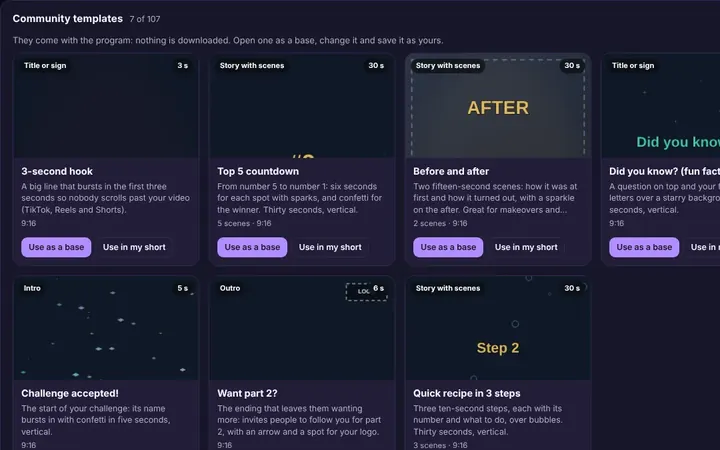
Tutorials and templates from other creators to use as a starting point.
Browse templates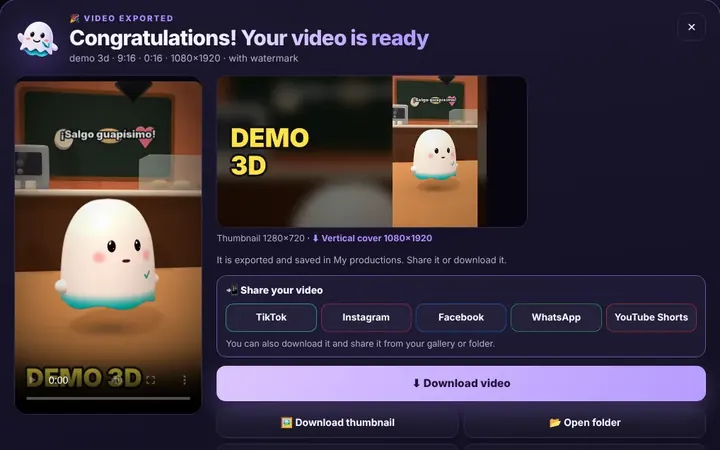
TikTok, WhatsApp, Instagram or Facebook from the same box, or download it.
Download free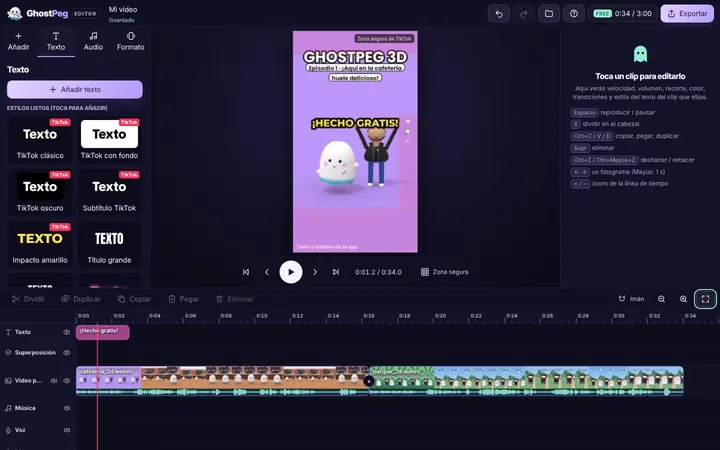
Ready for TikTok, Reels and Shorts, with your own channel in the community.
Visit the community