Everything one tap away
The preview on top, the timeline below and a bar with Add, Edit, Text, Audio and Format. Tools slide up in a sheet you close whenever you want.
 GhostPegby Ghost Creator Pro
Phone editor · free
Edit in your phone or tablet browser, without downloading an app: with your finger you cut, move and trim clips, add text and subtitles, record your voice or camera and save the video to your gallery.
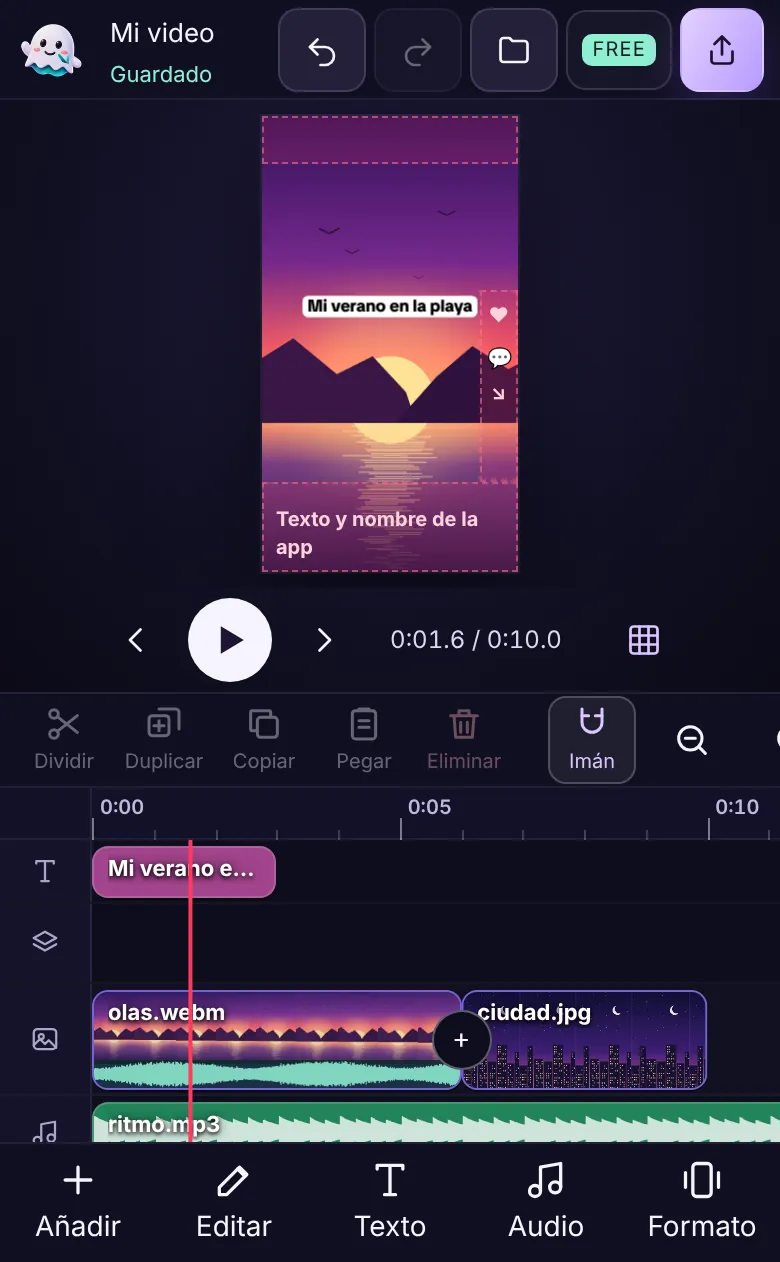

On small screens the editor switches to its phone mode by itself.
The preview on top, the timeline below and a bar with Add, Edit, Text, Audio and Format. Tools slide up in a sheet you close whenever you want.
Drag a clip’s edges to trim it, move it to reorder and tap “Split” to cut it at the playhead.
Record with the front or back camera with a 3-2-1 countdown, or record just your voice. You review the take before adding it.
What changes on each one, so you do not get lost at the end.
Started on your phone? Upload it to your account from “My projects” and finish it on the computer with the same account: more screen and keyboard shortcuts. Online editor on the PC
No. The editor works in your phone’s browser: Safari or Chrome on iPhone and Chrome on Android. Create your free account and edit right there, without taking up space with another app.
When the export finishes tap “Share” and then “Save video”. It lands in Photos, ready for TikTok, Instagram, YouTube or WhatsApp.
In the phone’s Downloads folder. From there you open it in your gallery or share it straight to any app.
Yes. On a tablet you have more room for the timeline and you can use your finger, a pencil or a keyboard with its shortcuts.
The video is created on the phone itself, so it depends on its power. If it is slow or gets hot, export in 720p, close other apps and do not lock the screen until it finishes.
iPhone, iPad and Safari are trademarks of Apple Inc.; Android and Chrome, of Google LLC. GhostPeg is not affiliated with them.
With AI, on your PC: GhostPeg for Windows · getting started with the web editor

Free, no subscriptions and no credit card. On your phone, tablet or computer.
Free in your browser or on your Windows PC.
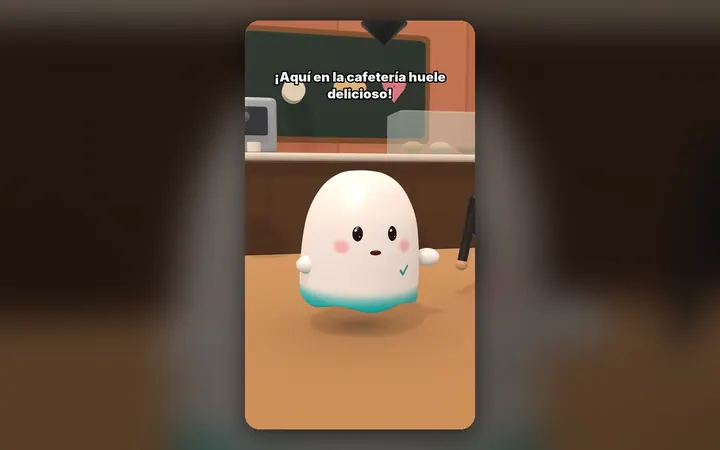
Your characters talk with their own voice and move around their world, on your PC.
See the 3D maker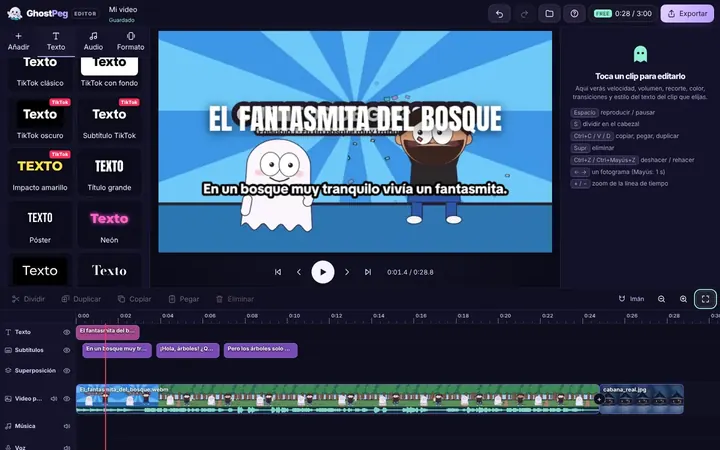
Free on your phone, tablet or computer, with nothing to install.
See the free editor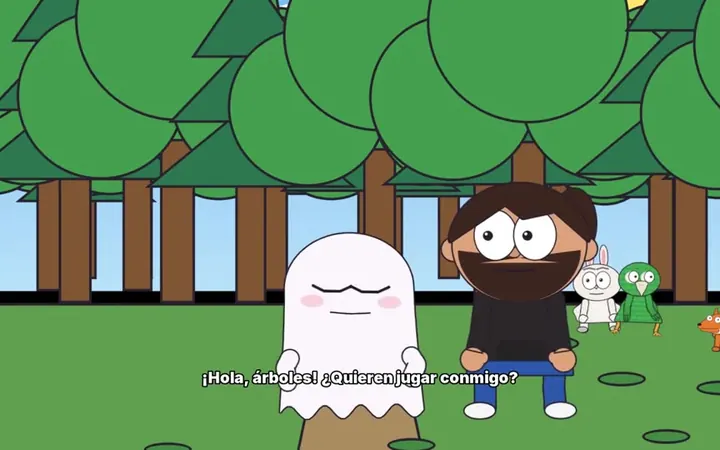
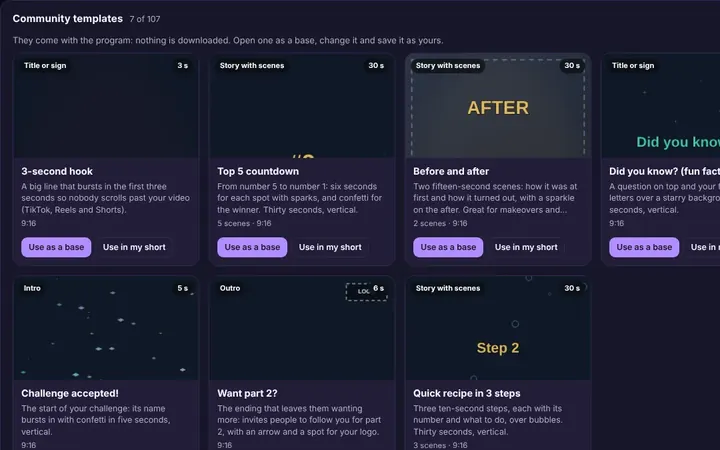
Tutorials and templates from other creators to use as a starting point.
Browse templates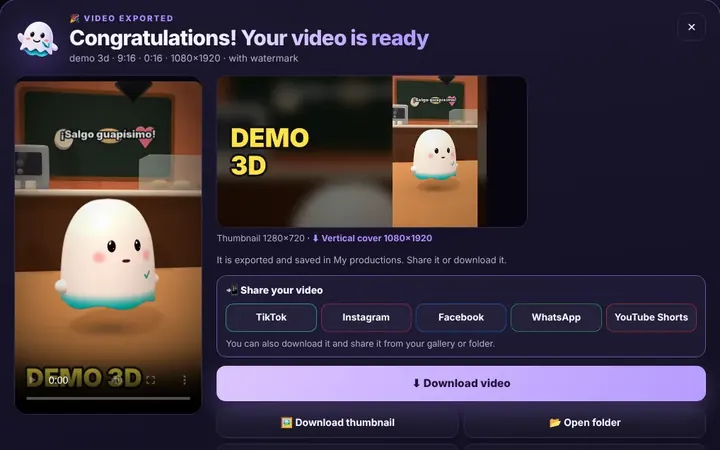
TikTok, WhatsApp, Instagram or Facebook from the same box, or download it.
Download free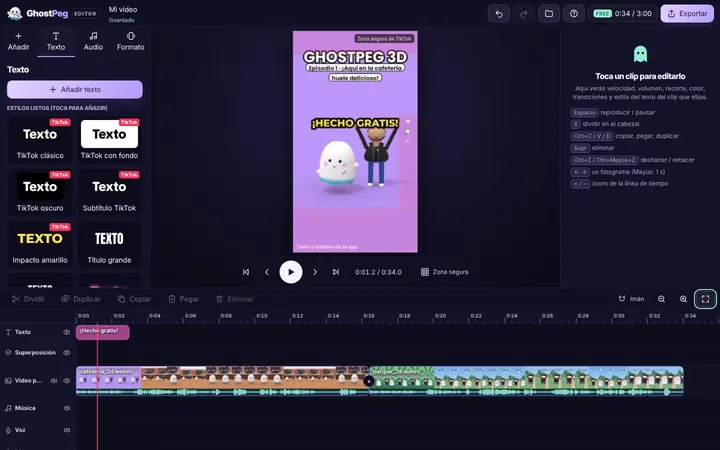
Ready for TikTok, Reels and Shorts, with your own channel in the community.
Visit the community